Skip to content
4 modules, one shared workspace

Your tools.
One workspace.

Practical tools for people, documents, social media and links. Keep your team’s work in one place.

New organization registration and module purchases are closed.

Modules

What each module does.

HR software

Tools for your whole team.

HR module

Time off, hiring and reviews, without the spreadsheets.

  • Time off, approvals and a team calendar
  • Hiring board, careers page and analytics
  • Performance reviews with a question library
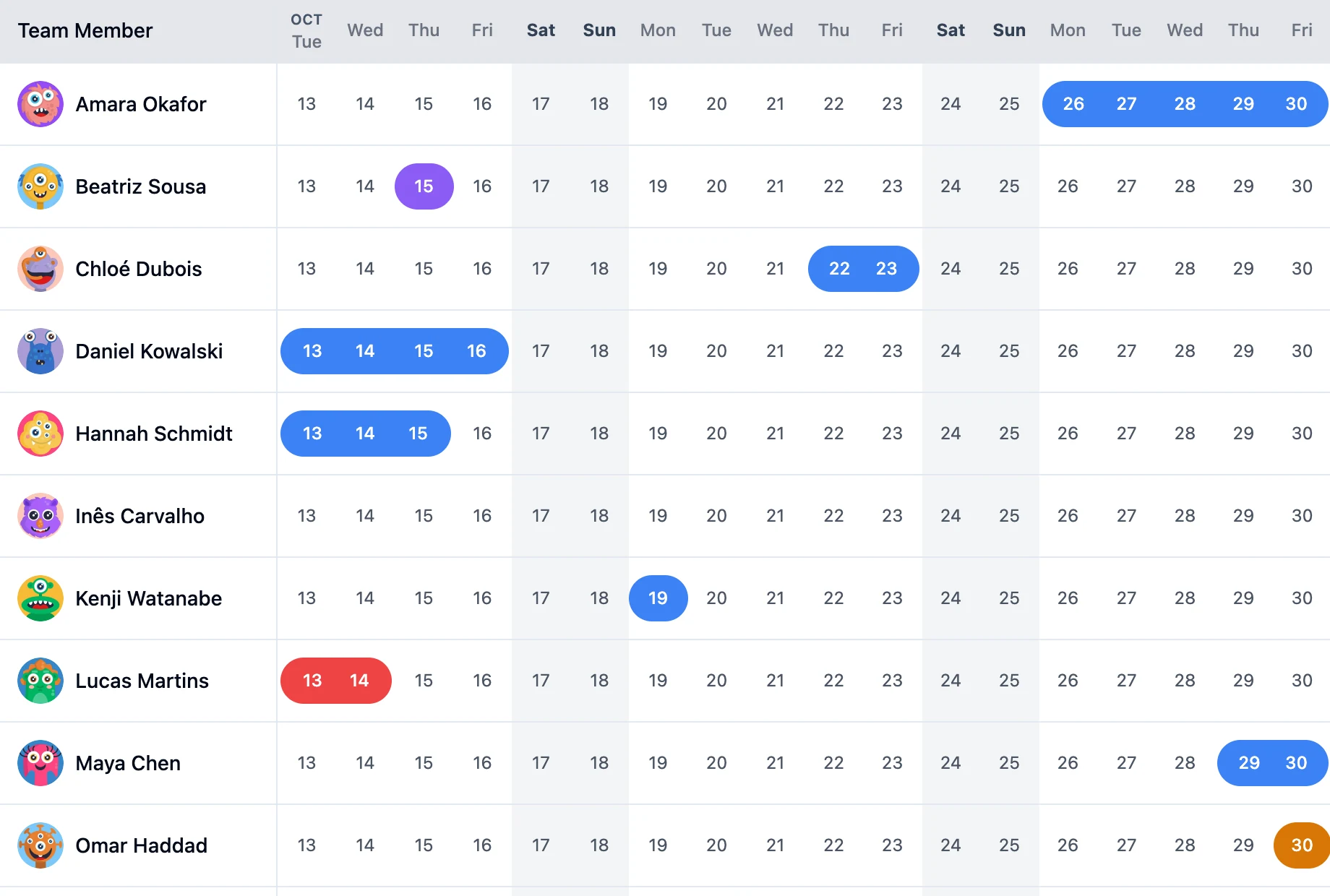
HR team calendar in Tiny Team: each person's vacation and sick days as coloured bars across the next weeks

Team wiki

Tools for your whole team.

Document Spaces module

Write it down once. Stop answering the same questions.
  • Spaces with nested, drag-and-drop pages
  • Rich text editor with tables and code
  • Separate drafts and published pages
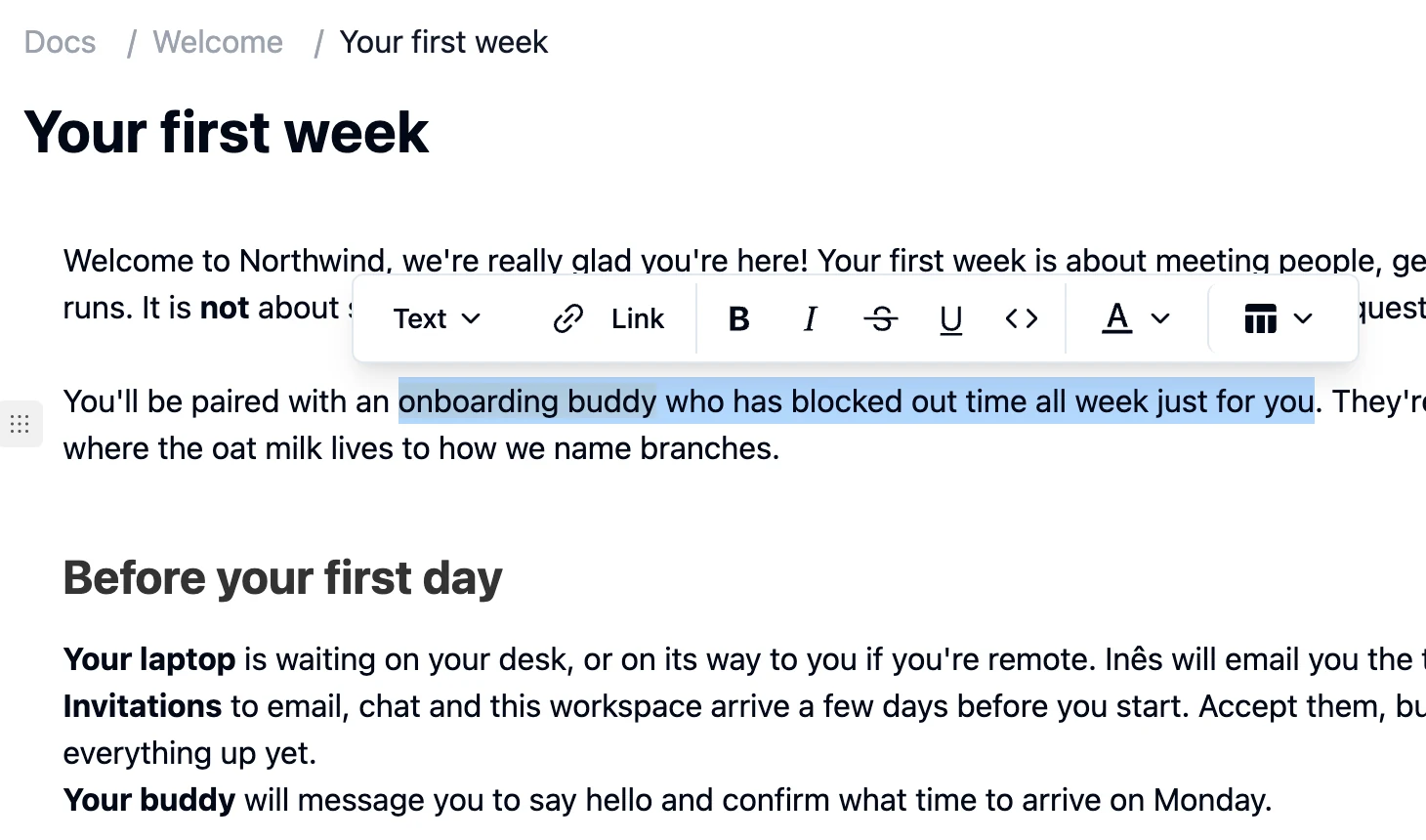
Document Spaces editor in Tiny Team: the page “Your first week” with a phrase selected and the formatting menu open

Social media scheduler

Tools for your whole team.

Social Media module

Plan, schedule and publish from one shared calendar.
  • Shared calendar, ideas and notes
  • Per-account captions and media
  • Likes and comments across accounts
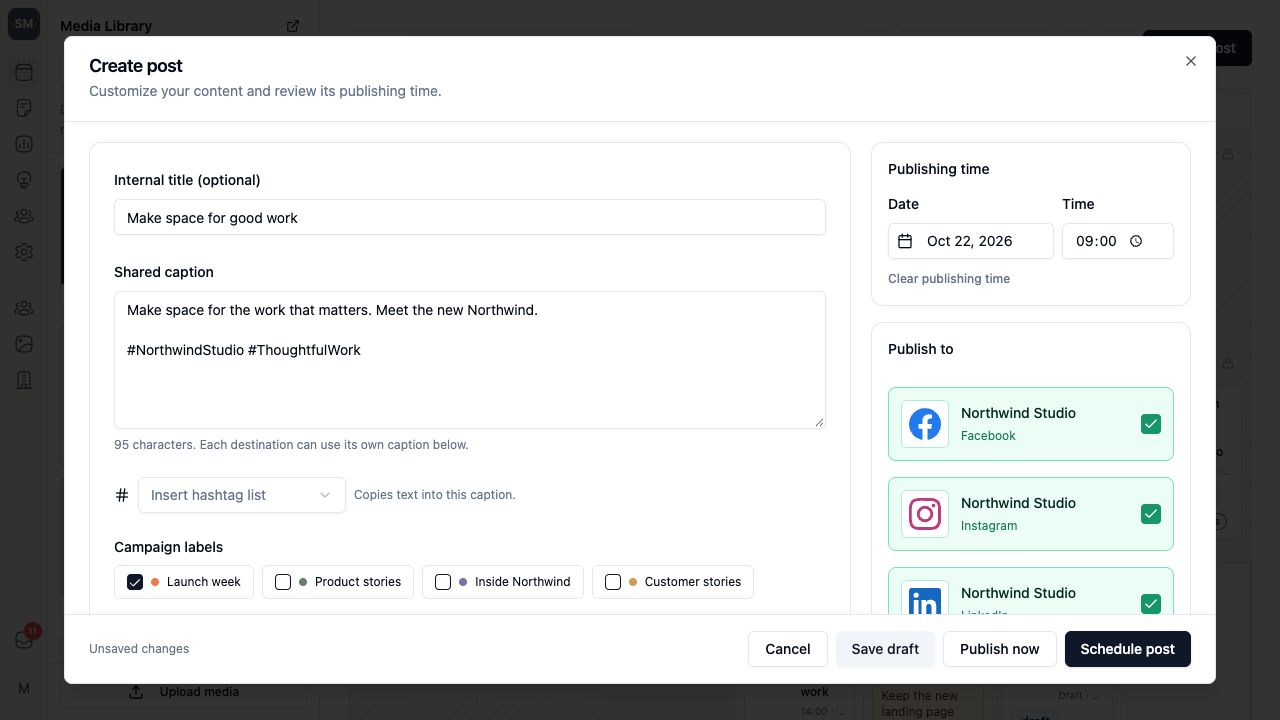
Social Media post composer in Tiny Team: a shared caption, campaign labels, publishing time and selected Facebook, Instagram and LinkedIn accounts

Link management

Tools for your whole team.

Links module

Branded short links and QR codes. Then see what people click.
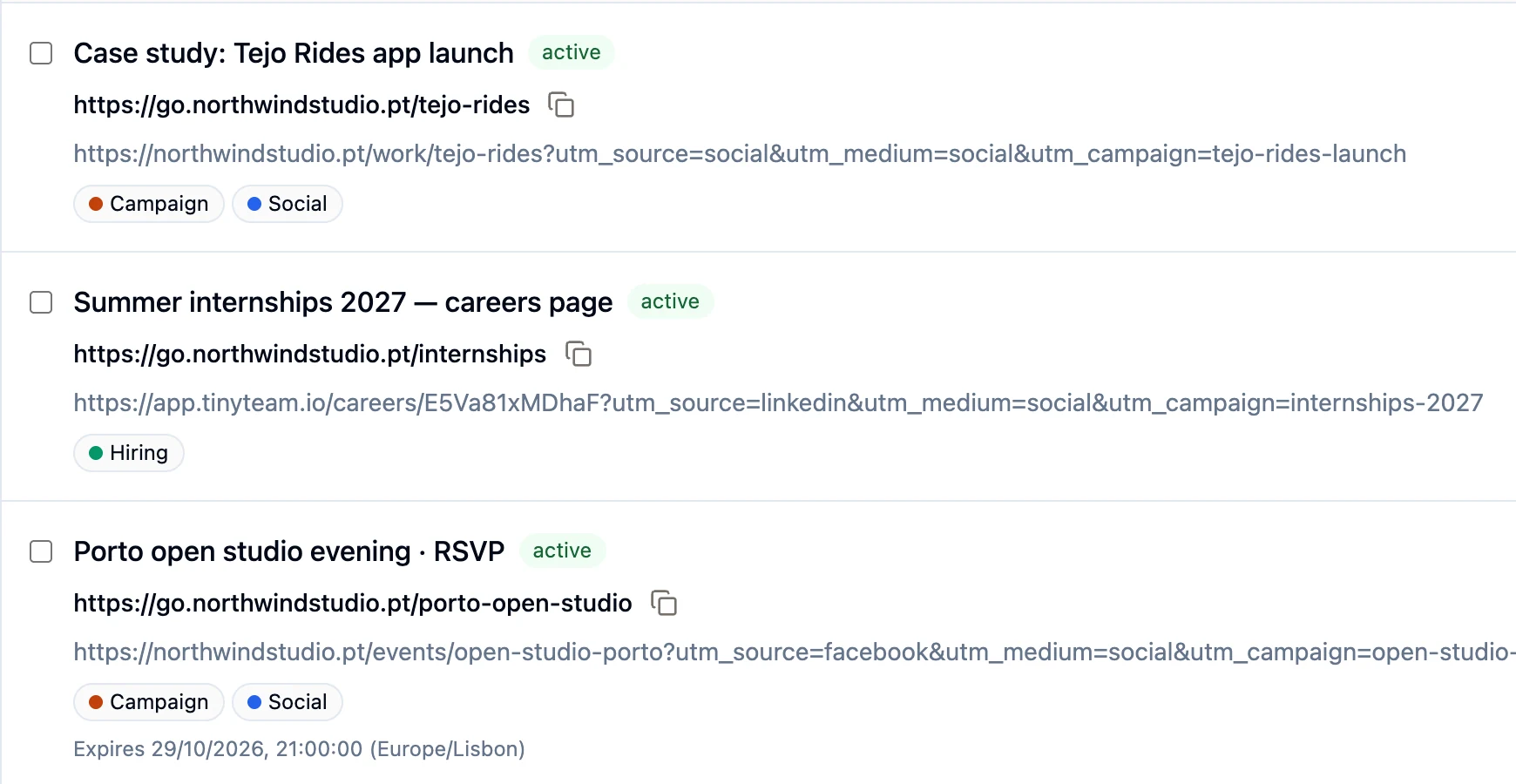
  • Branded short links on your own domain
  • QR codes in PNG and SVG
  • Click analytics by referrer, device, country
Links list in Tiny Team: short links on the studio's own domain with UTM destinations, status and tags
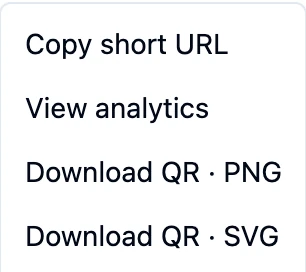
A link's actions menu in Links: Copy short URL, View analytics, Download QR as PNG or SVG

Real screens from Northwind Studio, a fictional demo workspace.

Shared workspace

Every module,
one workspace.

Your modules share the same team directory, profiles and organization settings.

A Tiny Team workspace with the module switcher open, listing HR, Document Spaces, Social Media and Links. Marker 1 circles the switcher; marker 2 circles the shared tools in the left rail.
Tiny Team runs in the browser, on a laptop or a phone.
  1. The module switcher. Every module your organization adds appears in one menu.

  2. Shared tools. Use the directory, inbox and media library across your modules.

  • Team directory
  • My Profile
  • Inbox
  • Organization settings
  • Media Library
  • Modules & Billing

FAQ

Fair questions.

For help with your workspace, contact support@tinyteam.io

Can I register an organization or buy a module?

New organization registration and module purchases are closed.

Can my team still use its workspace?

Members of existing organizations can log in and use the modules their organization has access to. Administrators can still invite people to their team.

Can existing organizations start a module trial?

An organization admin can start an eligible trial in Modules & Billing. Trials don’t require a card or charge automatically.

Open your team’s workspace.